Brain-Friendly Planning Hub | Google Sheets Planner + Apple Notes Bonus
Your tasks, routines, and goals in one Google Sheet that mostly runs itself. Plus a bonus Apple Notes version for your phone.
If you’ve tried every planner and app and still feel behind by Wednesday, the problem probably isn’t you. Everything just lives in too many places. This hub gives each thing one spot. You add a task, pick a status, and the rest fills in by itself.
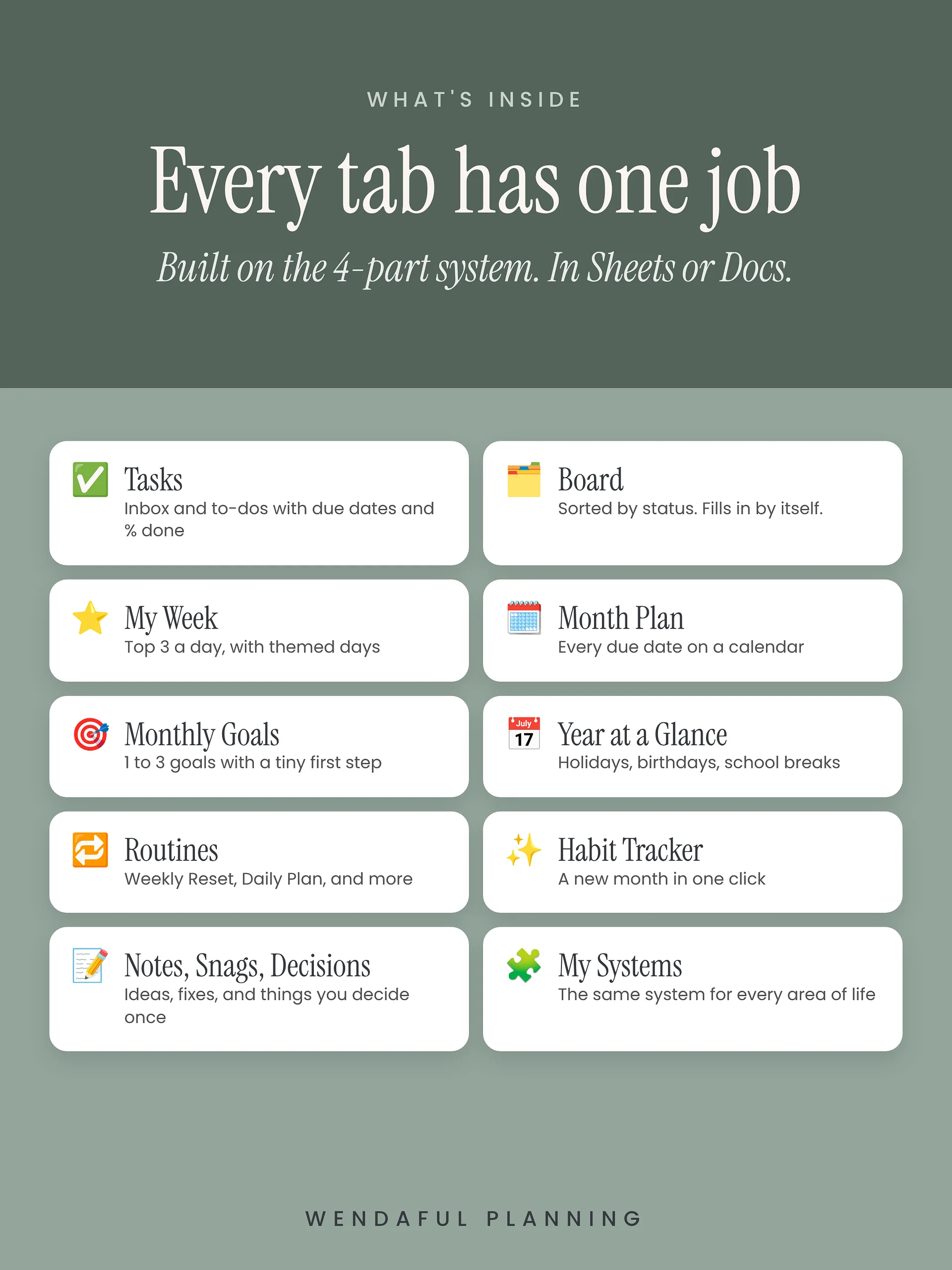
I built it on my 4-part system: Inbox, Calendar, Tasks, and Notes. Every tab has one job, so you always know where something goes.
What’s inside the Google Sheet (13 tabs)
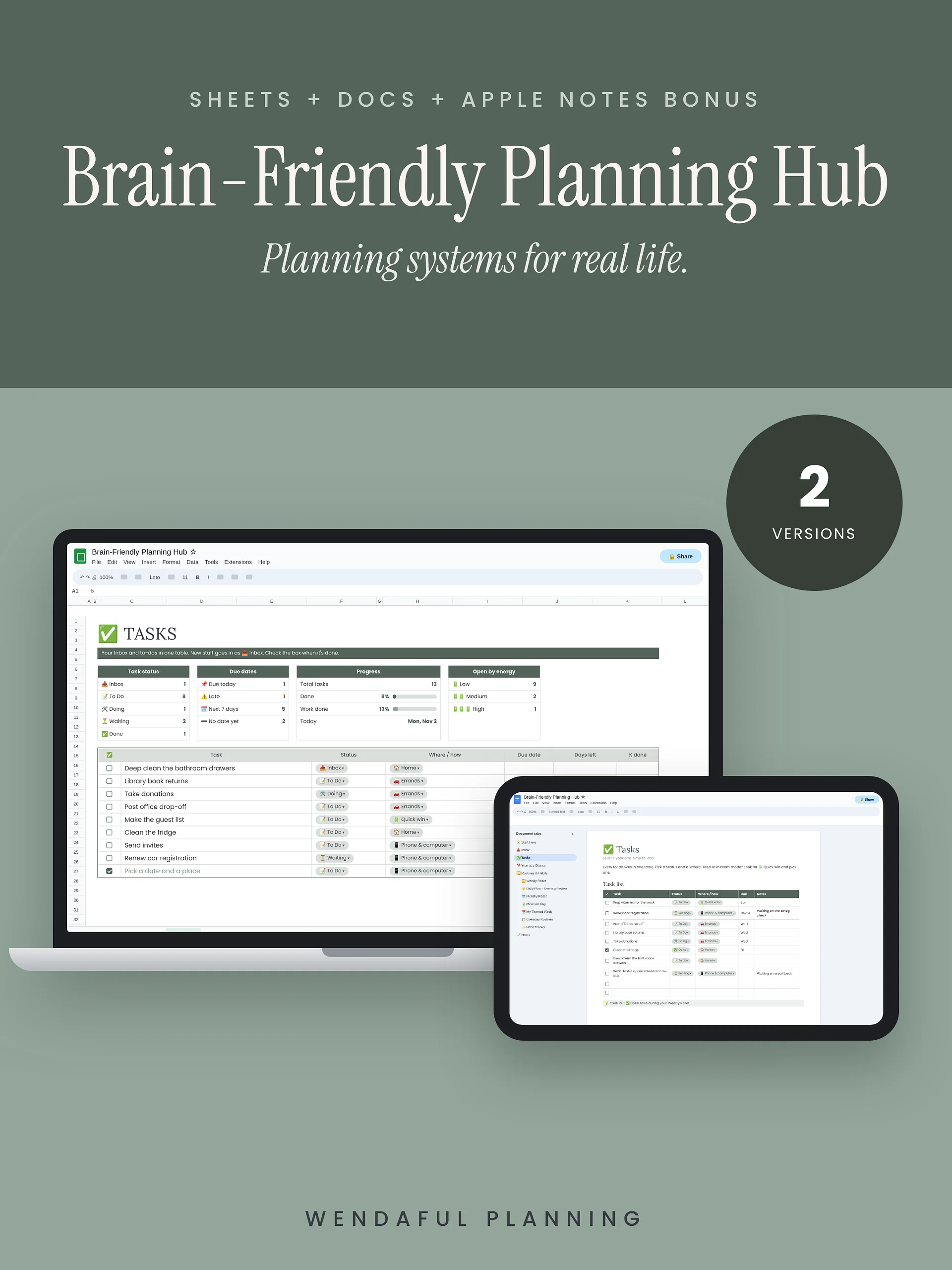
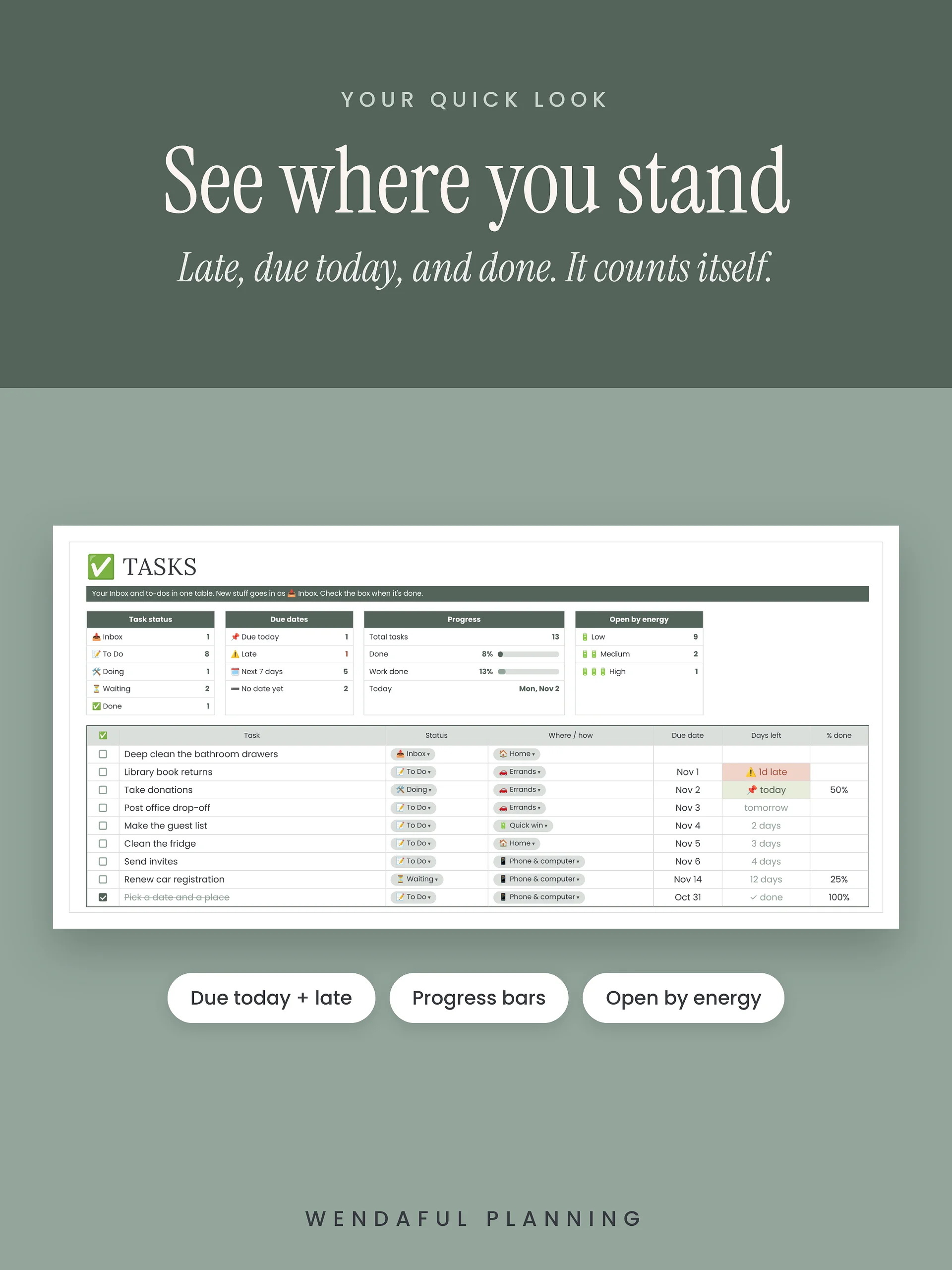
- ✅ Tasks: your Inbox and to-dos in one table. Add a due date and it tells you how many days are left, what’s due today, and what’s late.
- 📊 Quick look boxes: see your tasks by status, what’s due this week, and how much you’ve done, with progress bars that update on their own.
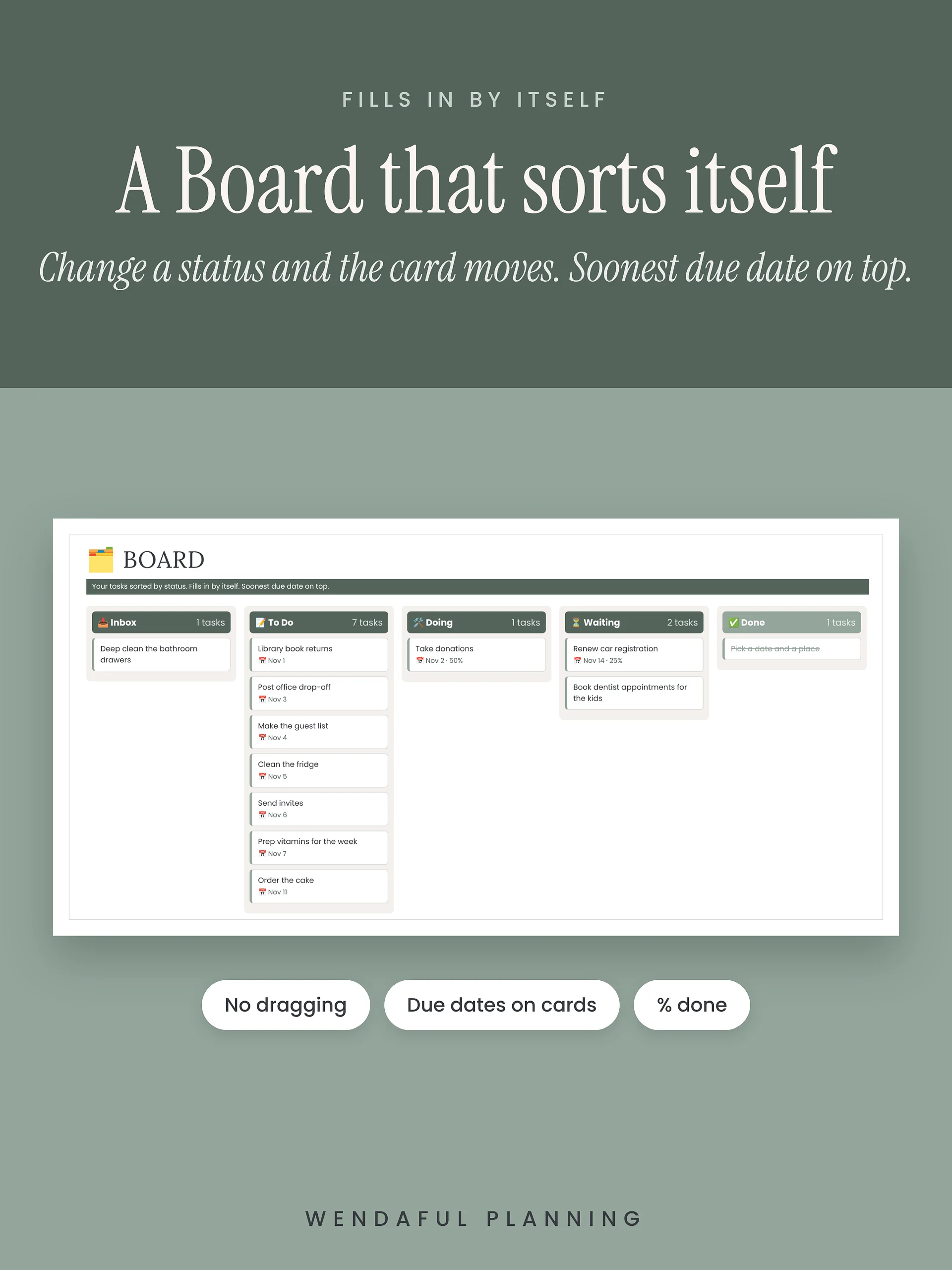
- 🗂 Board: your tasks sorted into Inbox, To Do, Doing, Waiting, and Done. Change a status and the card moves. No dragging needed.
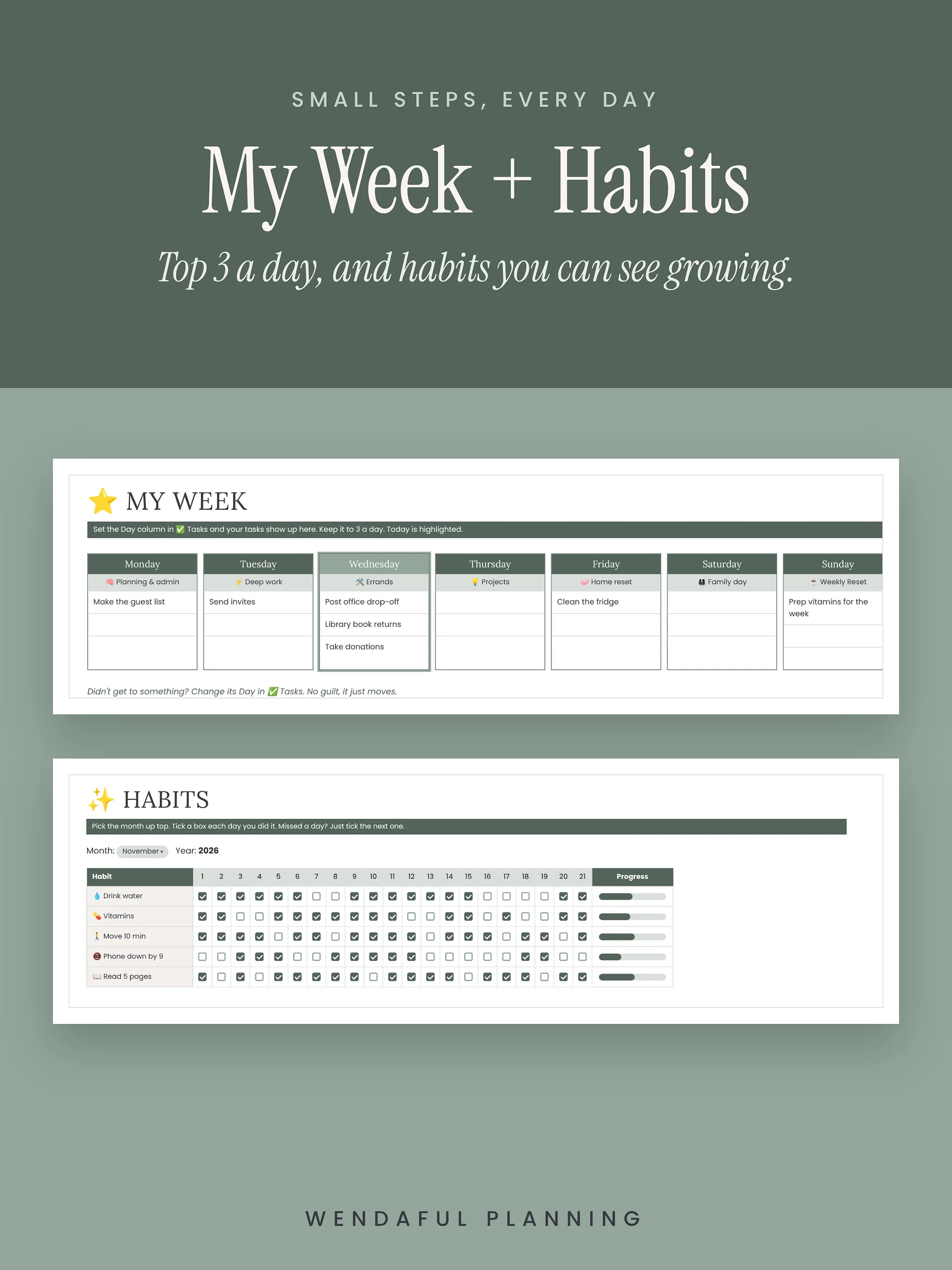
- ⭐ My Week: your top 3 for each day, with optional themed days.
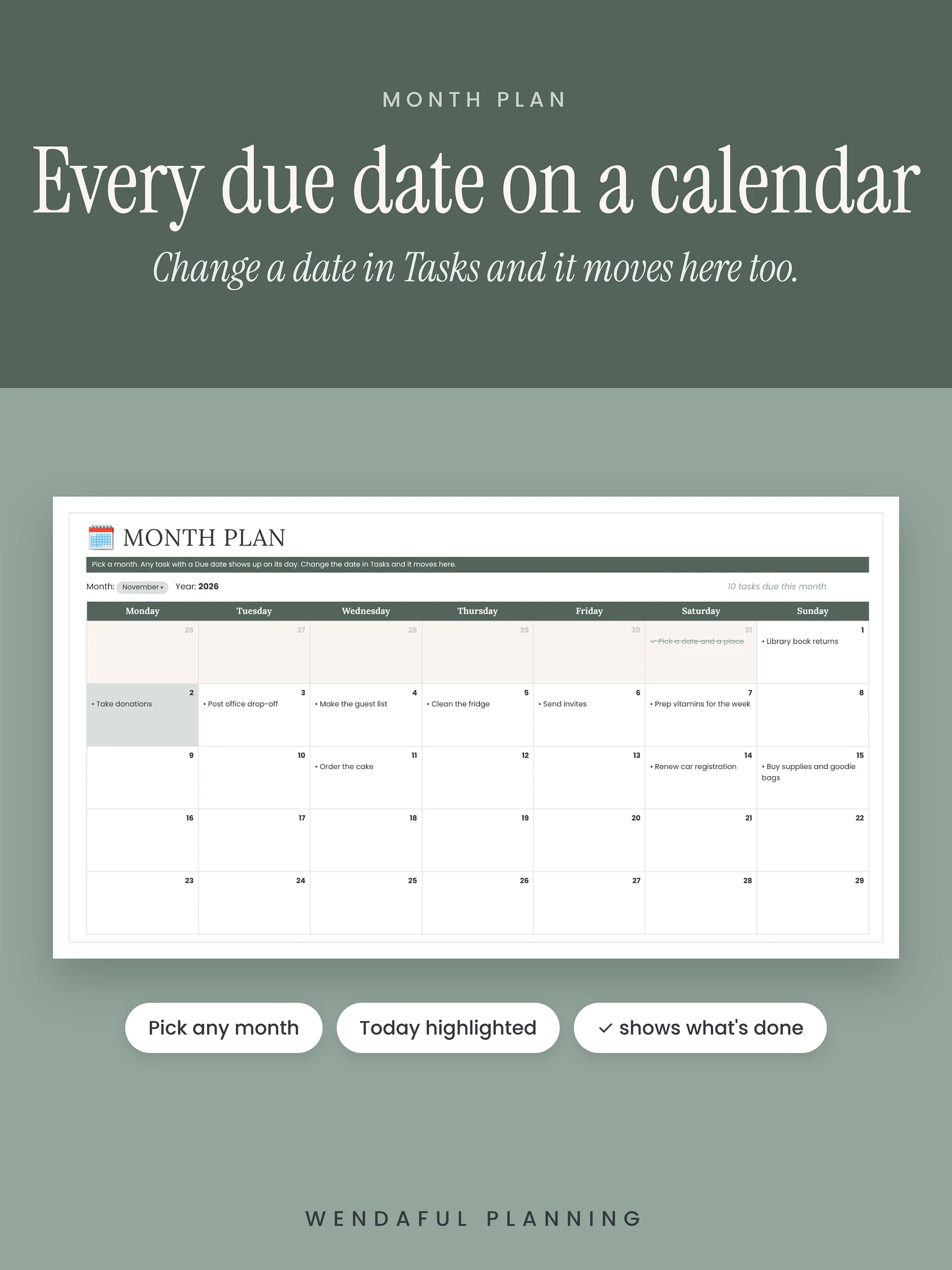
- 🗓 Month Plan: a calendar that shows every task on its due date. Pick any month.
- 🎯 Monthly Goals: 1 to 3 goals a month, each with a tiny first step and weekly check-ins.
- 📅 Year at a Glance: holidays, birthdays, school breaks, and trips.
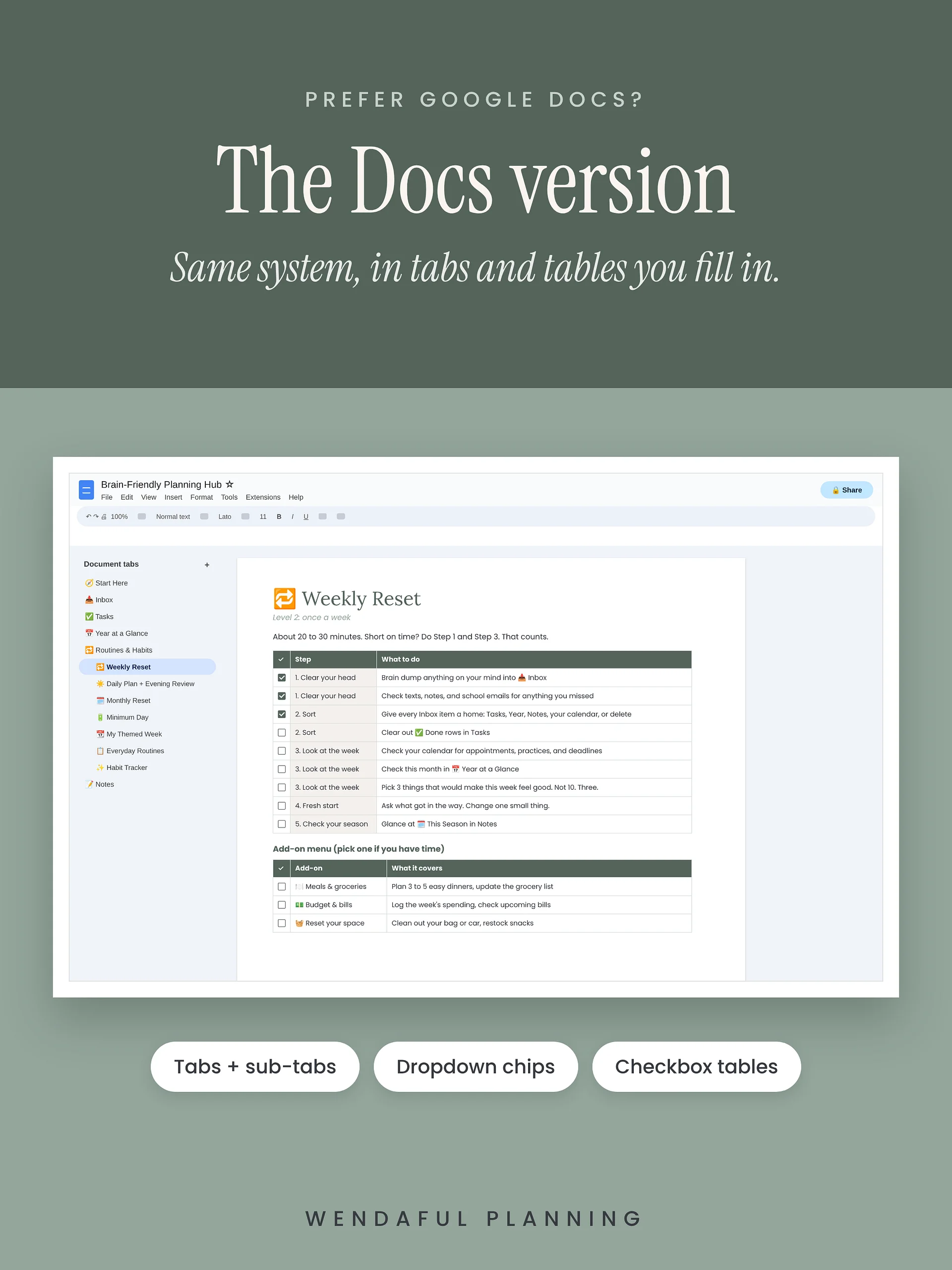
- 🔁 Routines: Weekly Reset, Daily Plan, Evening Review, Monthly Reset, and more, all with steps you can check off.
- ✨ Habit Tracker: a monthly tracker with a progress bar for each habit. Start a new month with one click.
- 📝 Notes, Snags + Decisions: a spot for ideas, things that keep not working, and choices you only want to make once.
- 🧩 My Systems: use the same steps for home, family, money, and work.
- 🧭 Start Here: a quick guide to get you set up in 15 minutes.
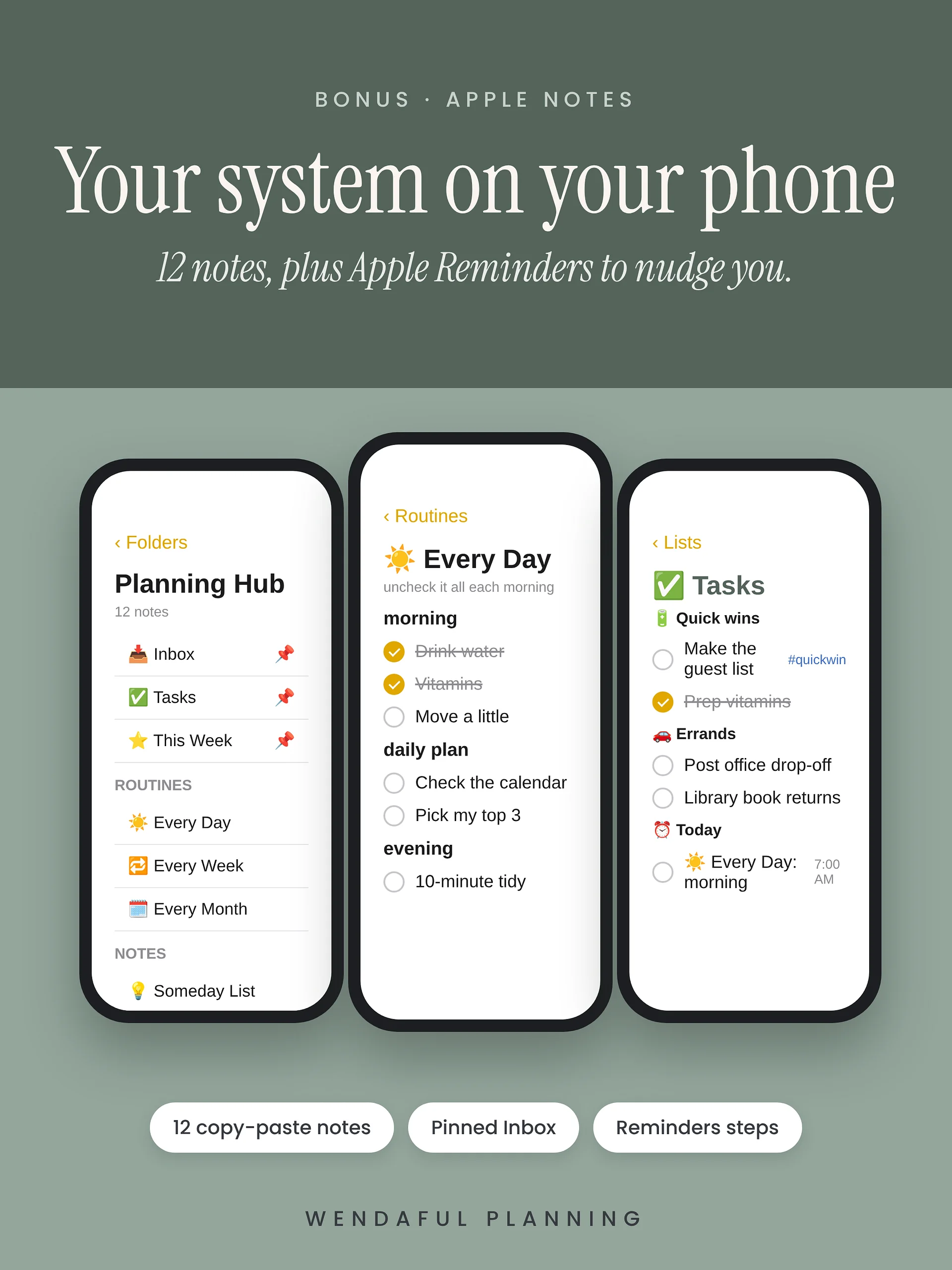
📱 Bonus: Apple Notes version
Live on your iPhone? The bonus guide walks you through setting up the same system in Apple Notes in about 20 minutes.
- 12 copy-and-paste notes, organized into folders
- Your daily, weekly, and monthly routines each in one note, so you can uncheck the whole thing and start fresh
- Your Inbox pinned to your home screen, so catching a thought takes one tap
- Optional Apple Reminders steps, so your phone reminds you when it’s time
Use the Sheet, the Notes, or both. Just keep one Inbox so nothing gets lost.
Made for real life
- Tired day? Filter your tasks to 🔋 Quick wins and pick one.
- Fell off for a week? Move your due dates and keep going. No starting over.
- Dropdowns and checkboxes do the work, so there’s less typing.
- Works on your laptop, and you can check it in the Google Sheets app on your phone.
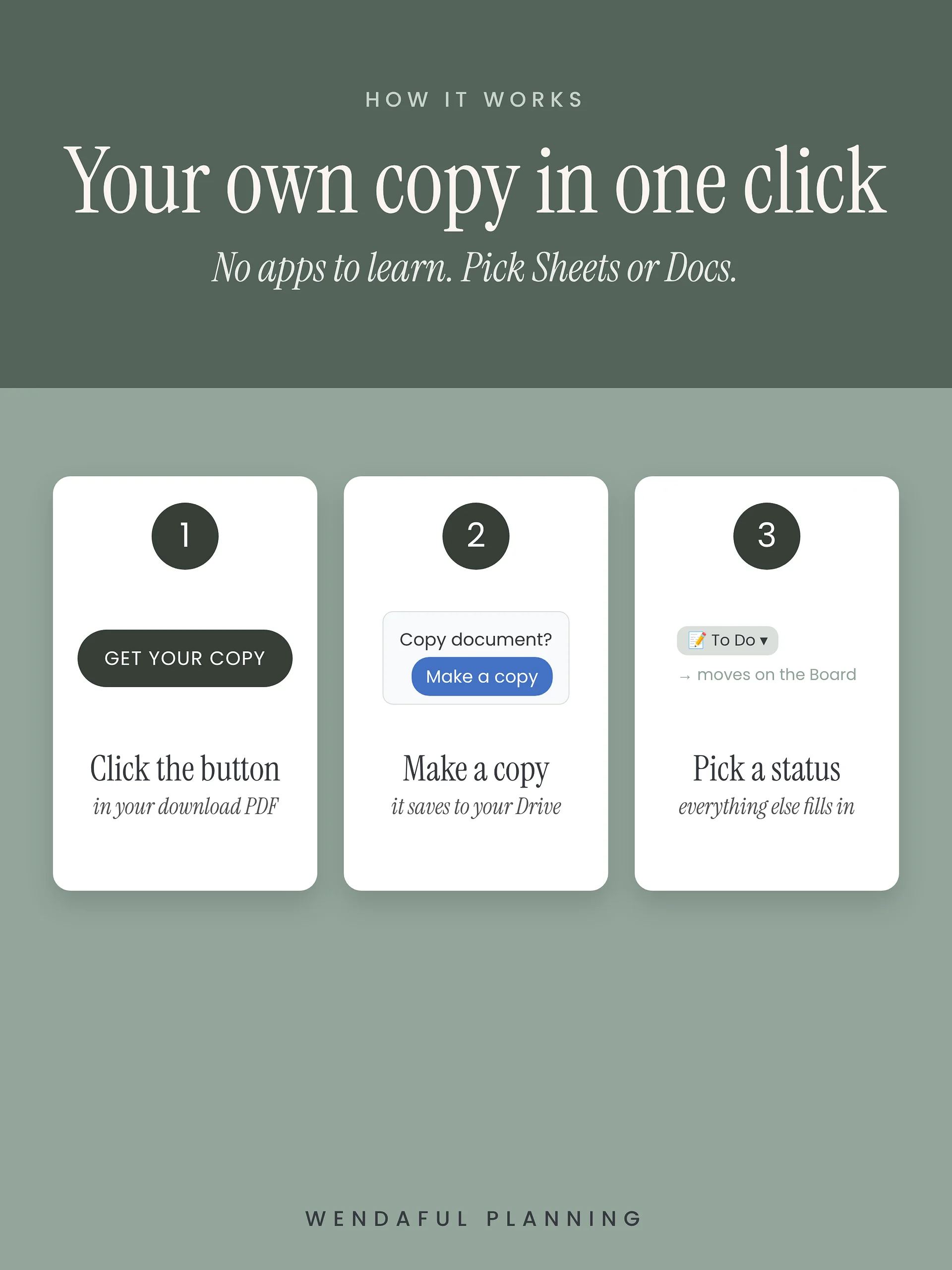
How it works
- Buy, and open your download PDF.
- Click “Make my copy.” It saves to your own Google Drive.
- Delete the sample tasks, add yours, and pick a status. Done.
- Want it in Apple Notes too? Flip to page 3 of your PDF.
What you get
- The Brain-Friendly Planning Hub Google Sheets template, with a link to make your own copy
- A Start Here PDF with setup steps and your first 15 minutes
- Bonus: the Apple Notes setup guide with 12 copy-and-paste notes and Apple Reminders steps
Good to know
- You need a free Google account. The Apple Notes bonus needs an iPhone, iPad, or Mac.
- This is a digital product. Nothing will be shipped.
- The 🧠 Hub menu clears your routine checks and starts a new habit month. Google will ask you to allow it the first time you use it. That’s normal.
- For personal use in one household. Please don’t share or resell it.
Questions? Email hello@wendaful.com.