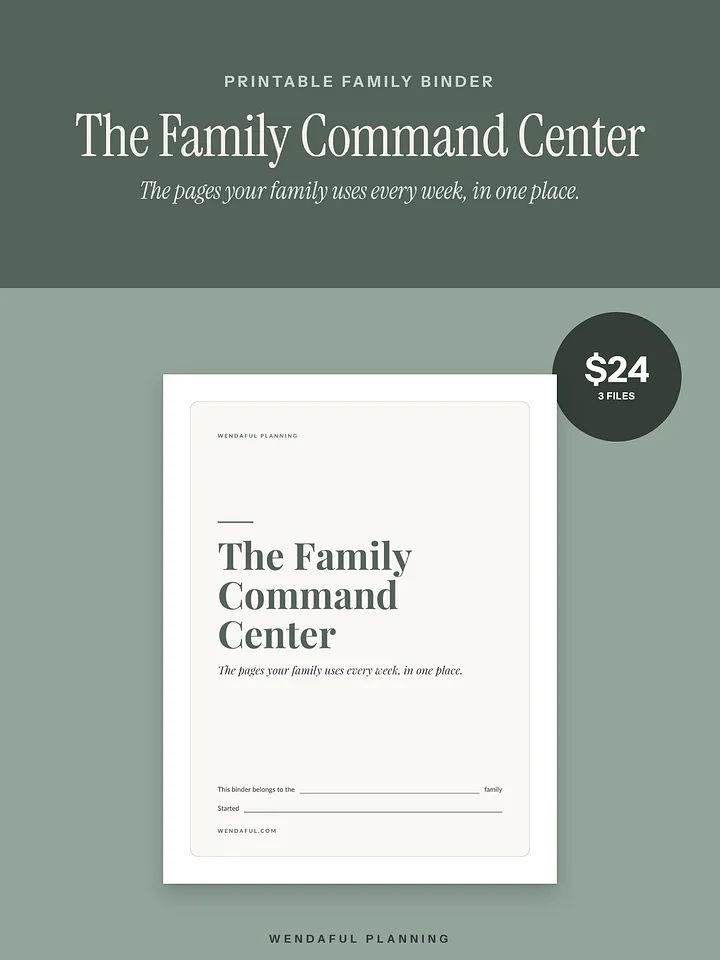
The Household Hub | Family Info Binder for Google Sheets, Google Docs + Apple Notes
Everything your family would need, in one place.
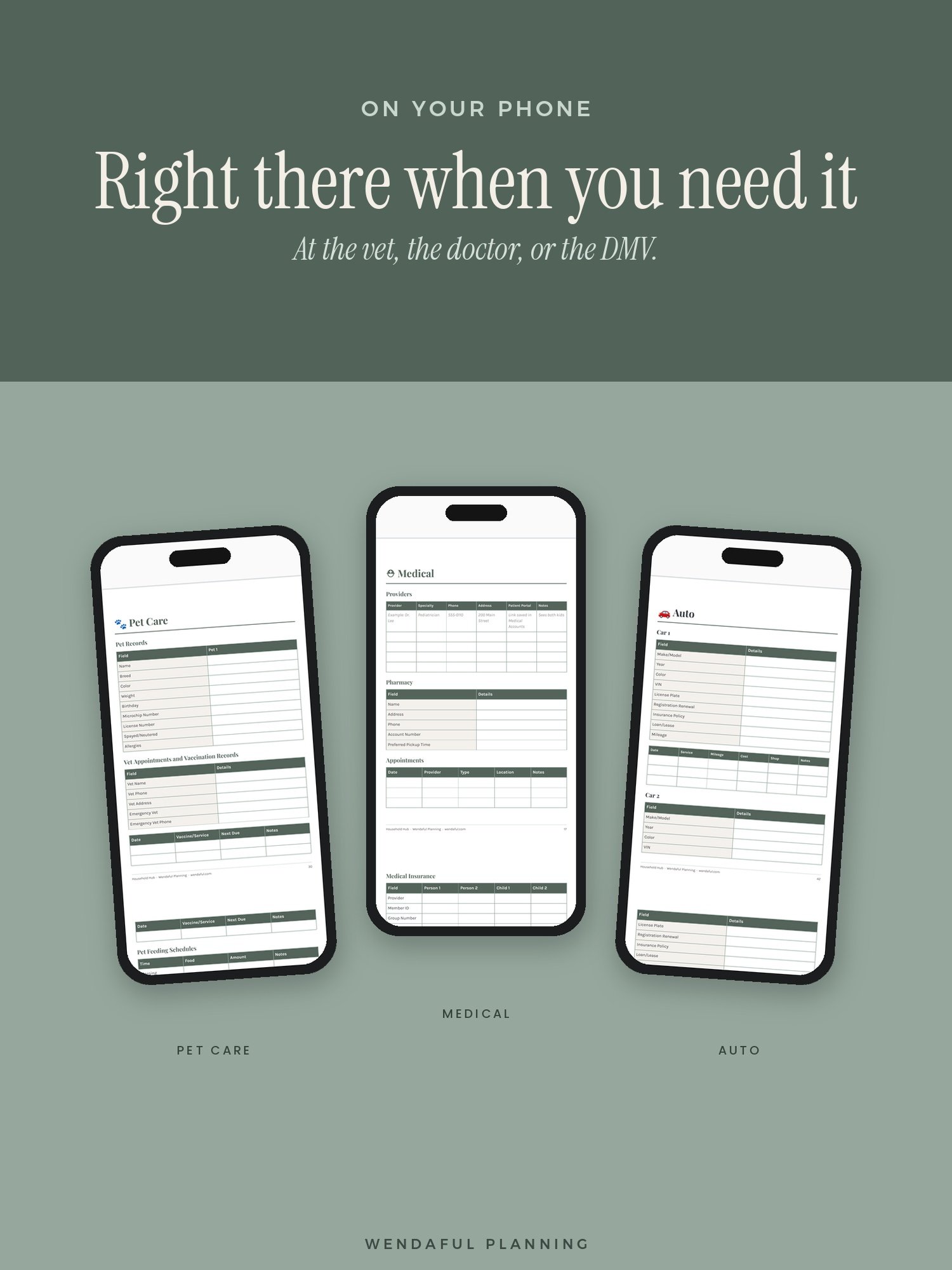
Where’s the car title? What’s the vet’s number? Which insurance covers the kids’ glasses? If all of that lives in your head (or a pile on the counter), this is for you. The Household Hub gives your family’s important info one home. Fill it in a little at a time, then pull it up on your phone at the doctor, the vet, or the DMV.
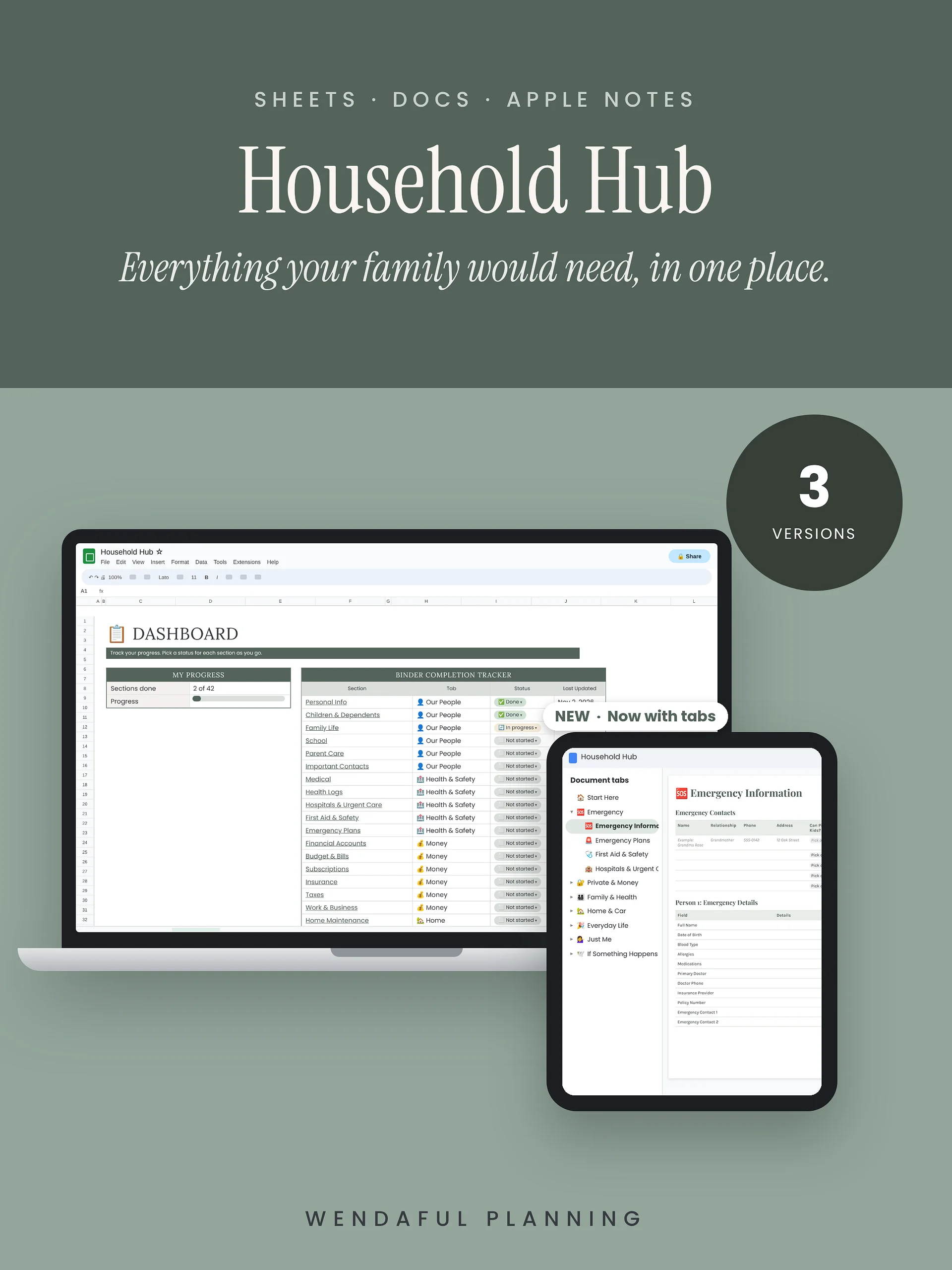
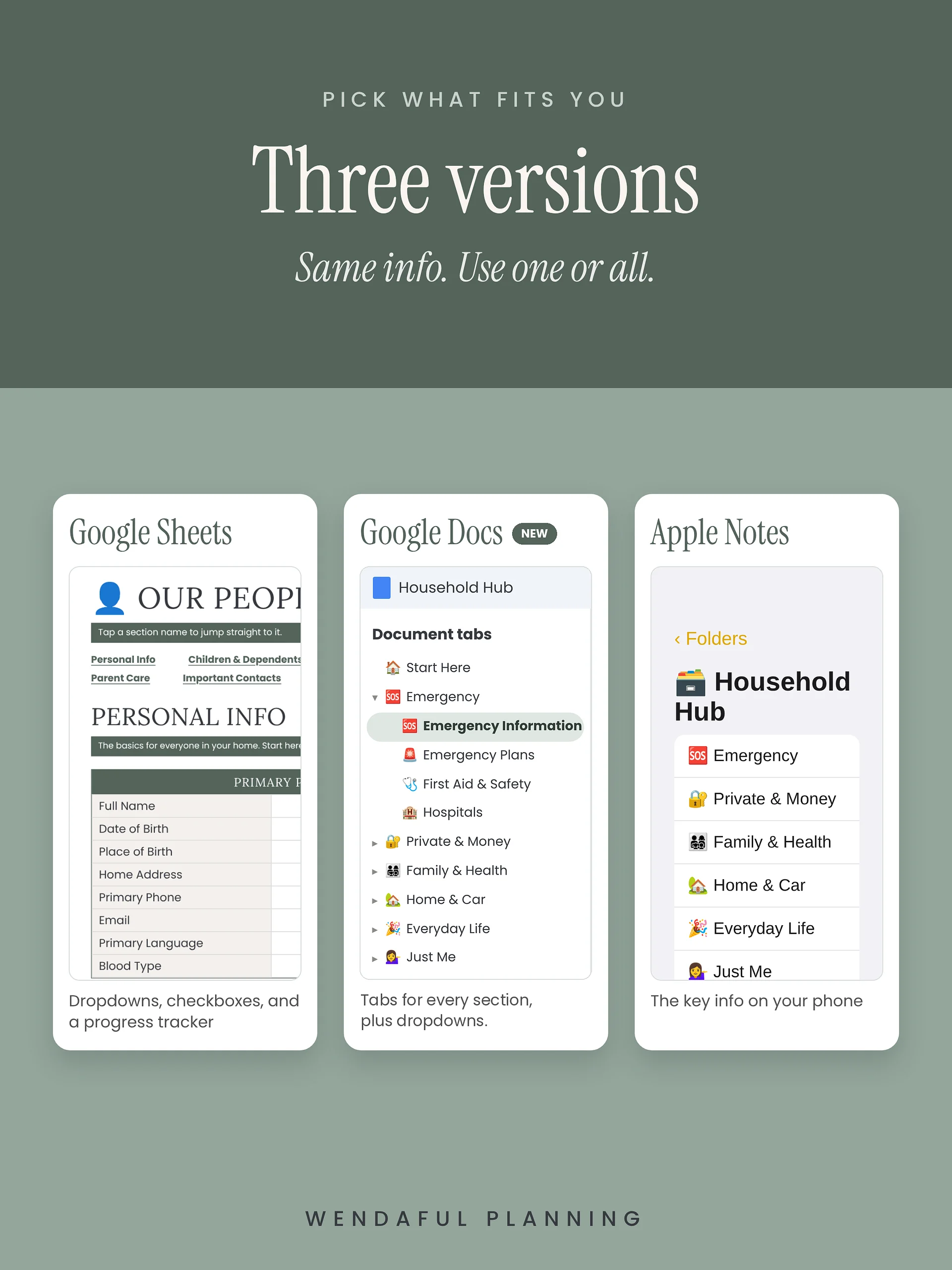
It comes in three versions with the same info, so you can’t pick wrong. Choose the one you’ll actually open.
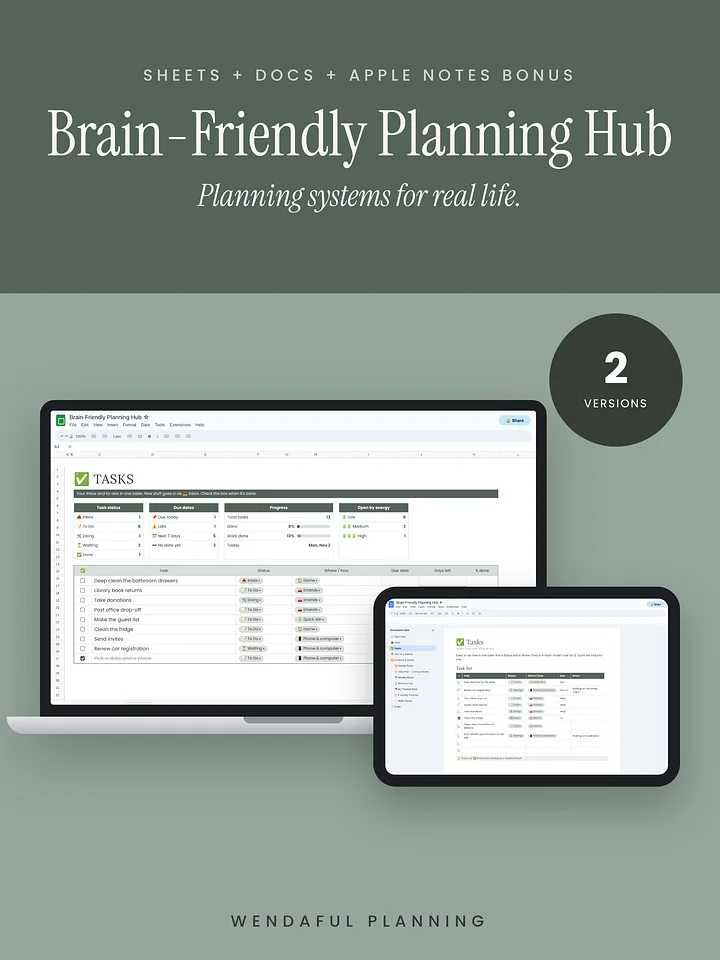
📊 Google Sheets version
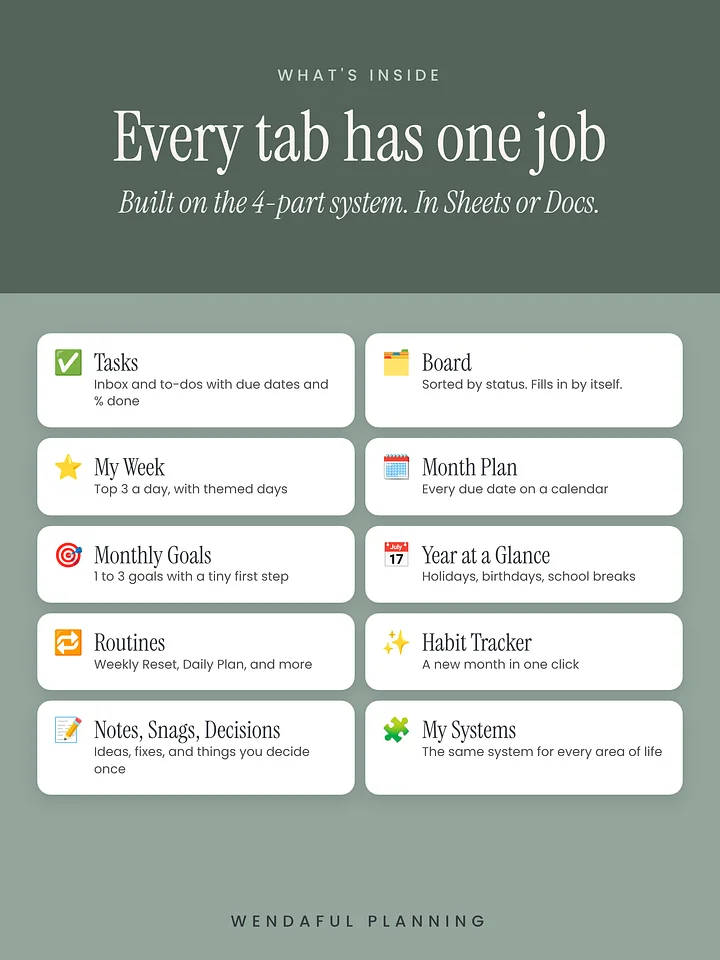
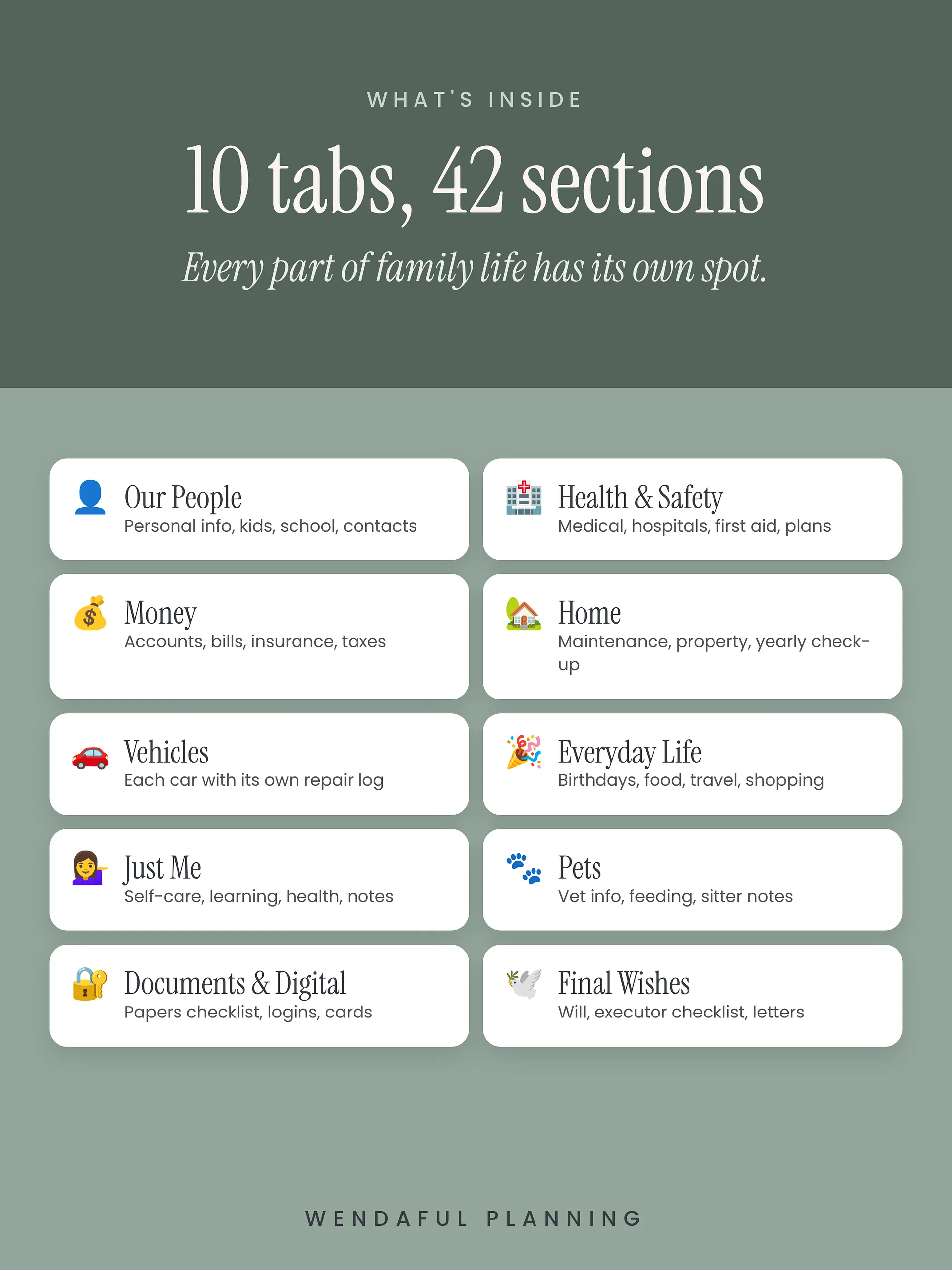
- 10 tabs: 👤 Our People, 🏥 Health & Safety, 💰 Money, 🏡 Home, 🚗 Vehicles, 🎉 Everyday Life, 💁♀️ Just Me, 🐾 Pets, 🔐 Documents & Digital, and 🕊️ Final Wishes
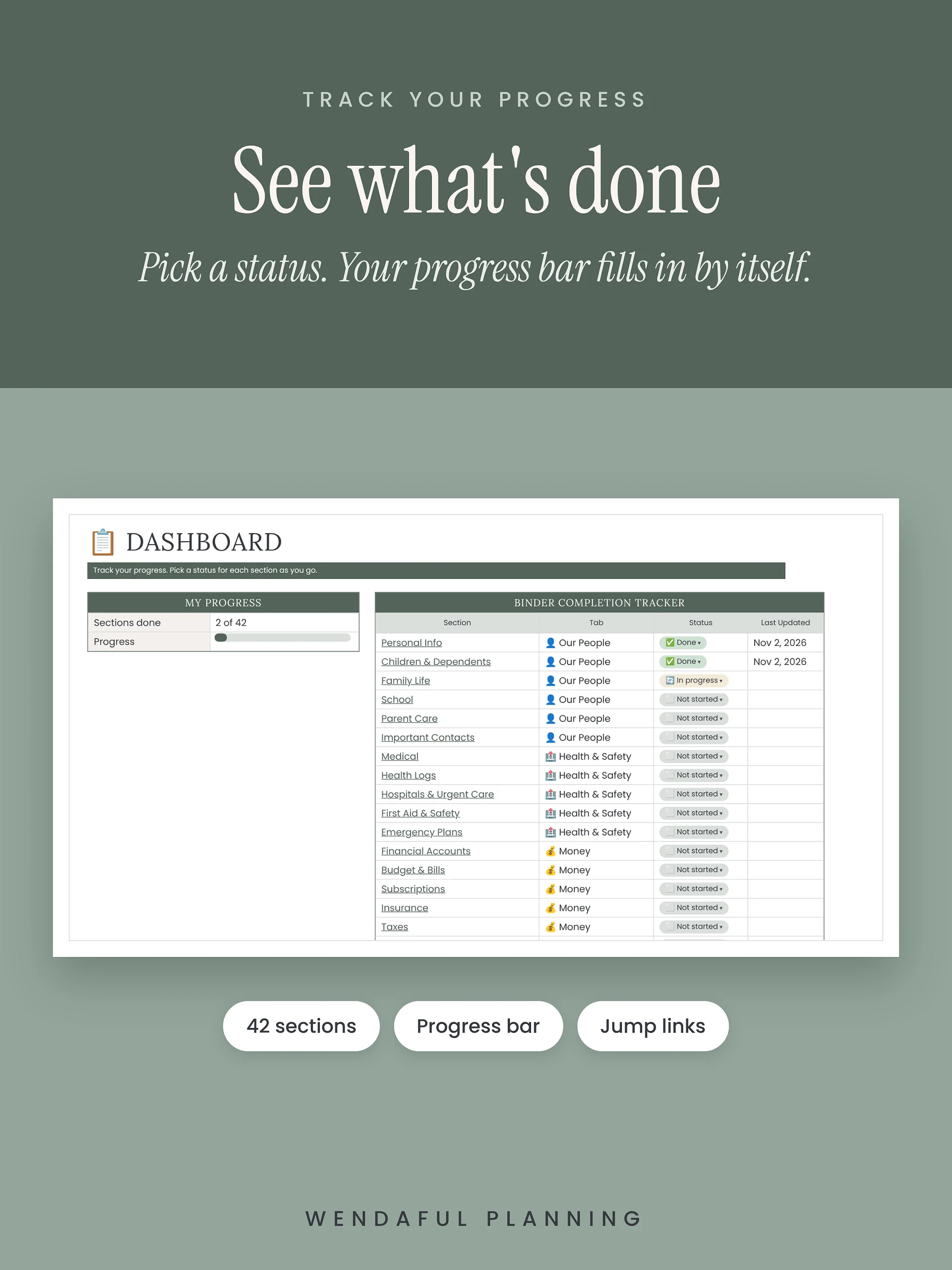
- 42 sections in fill-in boxes, with a jump link to every section
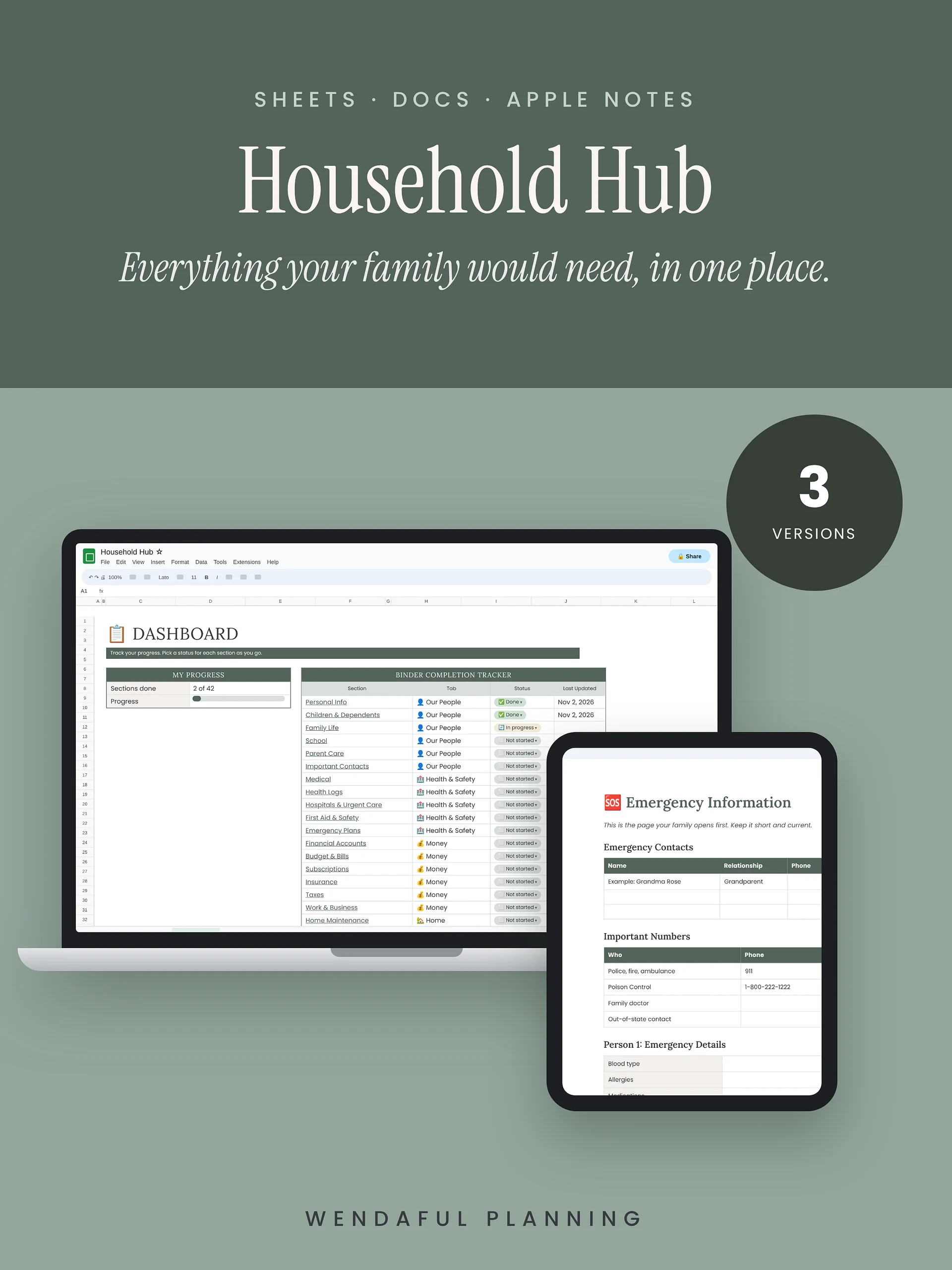
- 📋 Dashboard to track which sections you’ve finished, with a progress bar
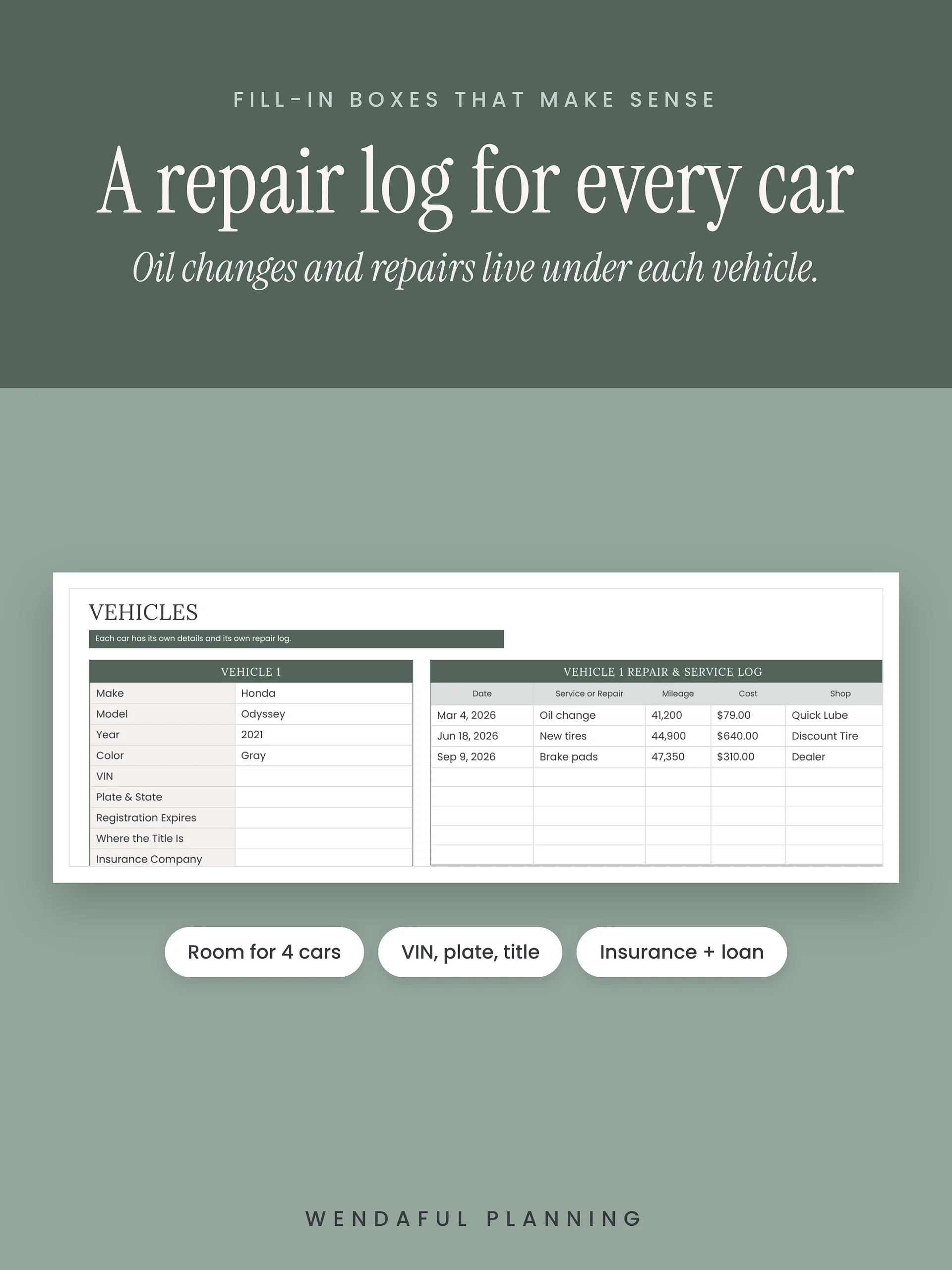
- A repair and service log under each car
- Dropdowns and checkboxes, so there’s less typing
📄 Google Docs version
- The whole hub in one doc, with simple fill-in tables
- A clickable table of contents
- Easy to print just the pages you need, like your emergency info for the go-bag
📱 Apple Notes version
- A step-by-step guide to set it up on your iPhone, iPad, or Mac
- One folder with a subfolder for each part of life, and one note per section
- Pin your Emergency note so it’s always at the top
- Share just one folder (like Emergency) with a sitter or grandparent
What’s inside
- 🆘 Emergency info, critical numbers, meeting spots, and a supply checklist
- ⛑ Doctors, medicines, allergies, hospitals, and first aid
- 👨👩👧👦 Kids, school, sizes, sitters, carpools, and parent care
- 💵 Accounts, bills, budget, subscriptions, insurance, and taxes
- 🏡 Home maintenance, cleaning routines, appliances, and repair people
- 🚗 Car details and service history
- 🐾 Pet records, vet info, and feeding schedules
- 🎉 Birthdays, recipes, travel, and wish lists
- 🔐 A papers checklist and where to find your logins (never the passwords themselves)
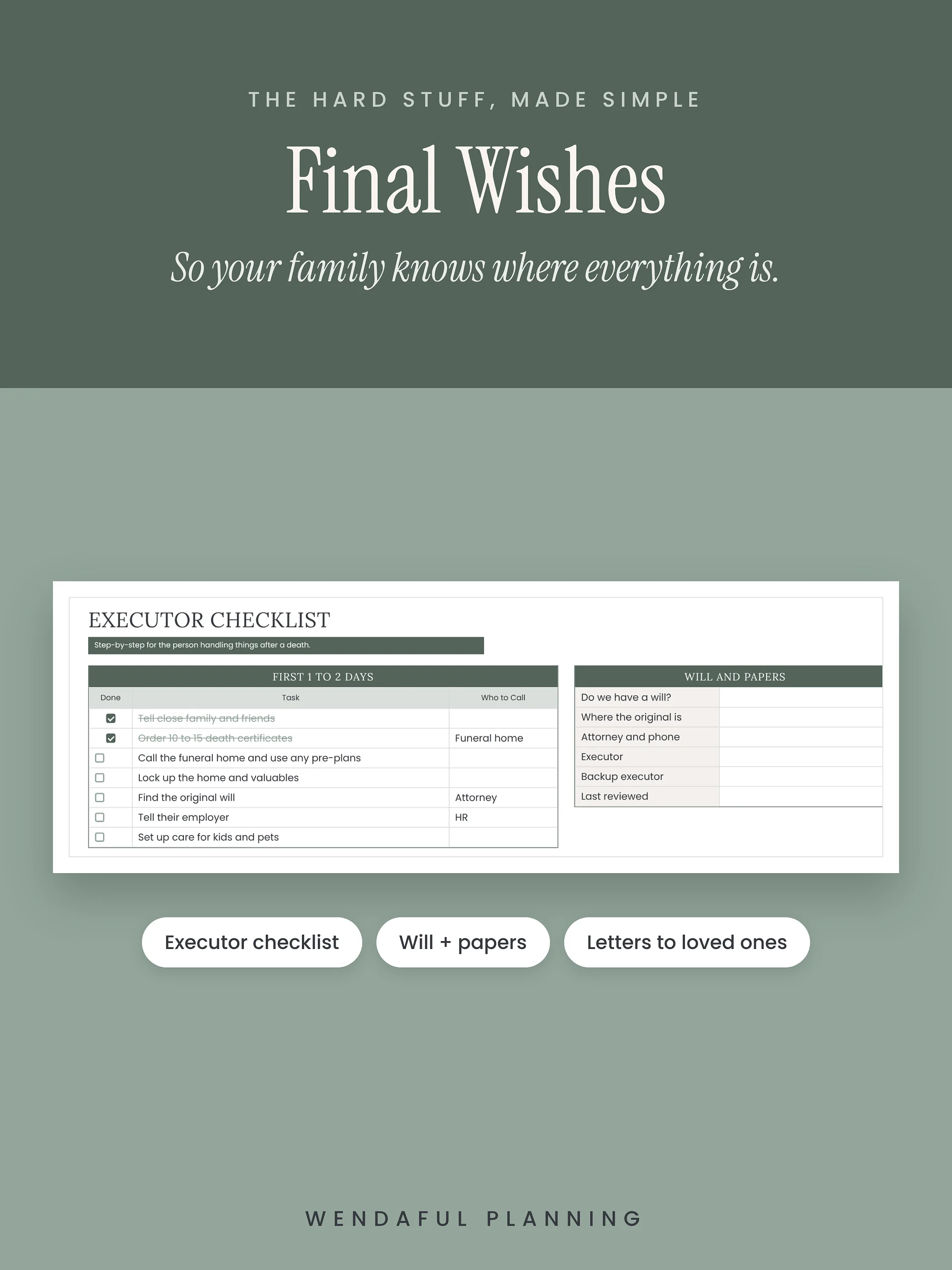
- 🕊️ Final wishes, an executor checklist, and letters to loved ones
Made for real life
- Start with three sections: Emergency Information, Medical, and Family. The rest can wait.
- Skip anything that doesn’t fit your family.
- Share your copy with your partner so you both always have the latest info.
- Update it once a year with the Yearly Check-Up.
How it works
- Buy, and open your Start Here PDF.
- Pick your version. For Sheets or Docs, click “Make my copy.” It saves to your own Google Drive.
- For Apple Notes, follow the setup guide starting on page 3.
- Fill in one section this week. That counts.
What you get
- The Household Hub in Google Sheets (copy link)
- The Household Hub in Google Docs (copy link)
- The Apple Notes setup guide
- A Start Here PDF with your first steps
Good to know
- You need a free Google account for Sheets or Docs. Apple Notes needs an iPhone, iPad, or Mac.
- This is a digital product. Nothing will be shipped.
- Please never type passwords or full account numbers. Write where to find them instead.
- For personal use in one household. Please don’t share or resell it.
Questions? Email hello@wendaful.com.